Generate at 720p, deliver at 1440p: upscaling AI video with SeedVR2.
On a 12–16GB card you're stuck generating video at 480p or 720p. That's fine — do your generating and testing small, then upscale the keeper to 1440p with SeedVR2 TensorRT Studio, an open-source alternative to paid video upscalers.
Whatever video model you use — LTX, Wan, MiniMax — lower-tier GPUs (3060, 4060, 5060 with 12–16GB of VRAM) push you toward low resolutions. Even on big cards, generating small is faster for testing. The missing piece is a good way to turn a 720p keeper into a sharp final.
That's VRGDG SeedVR2 TensorRT Studio, an open-source standalone app (no ComfyUI required) built around the SeedVR2 upscaler. A Discord member shared it, and it holds up well. Credit to its creator, vrgamegirl19 on GitHub.
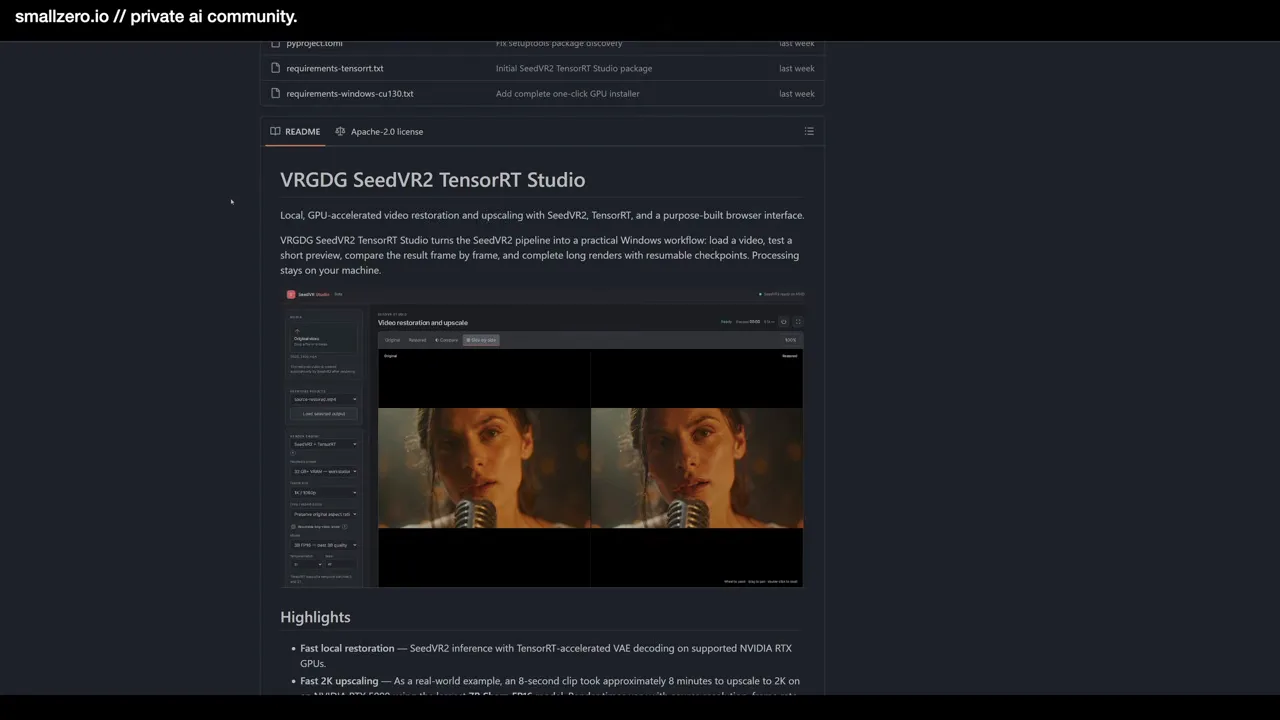
01Install it in its own folder
Make a dedicated folder and install the app there, inside its own Python virtual environment, so its PyTorch and libraries can't conflict with your ComfyUI install. The lazy way works great: point an AI agent like Claude at the repo and ask it to install into that folder with a virtual environment. It ran right out of the box.
Then create a small .bat (Windows) or shell script to launch it with one double-click.
02Generate a 720p clip
For the test, the source is an AI influencer image made earlier in Z-Image: a mirror selfie, phone in hand, messy bedroom, natural artifacts and all.
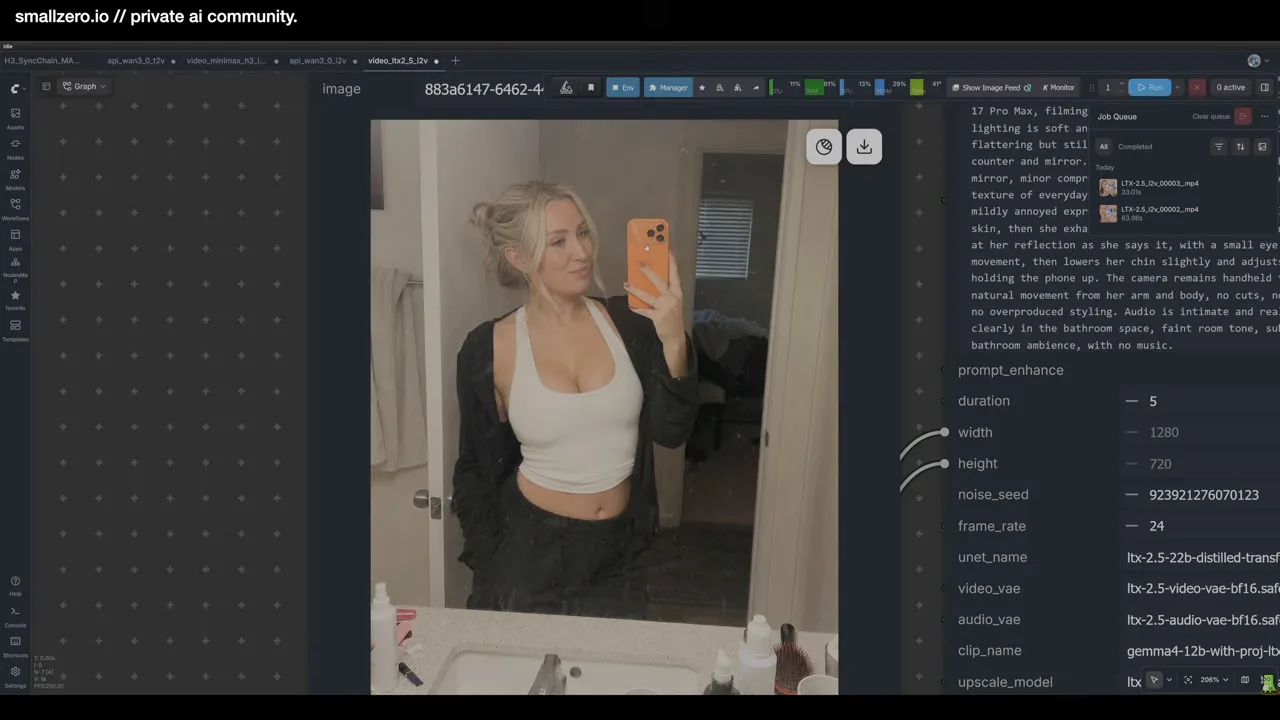
The video uses LTX 2.5's basic image-to-video workflow, straight from ComfyUI's templates (Browse Templates → Video, first option). LTX 2.5 also has plenty of low-VRAM options. A prompt-writing tip: give ChatGPT the LTX 2.5 documentation plus a description of your image and what should happen, and let it write the prompt.
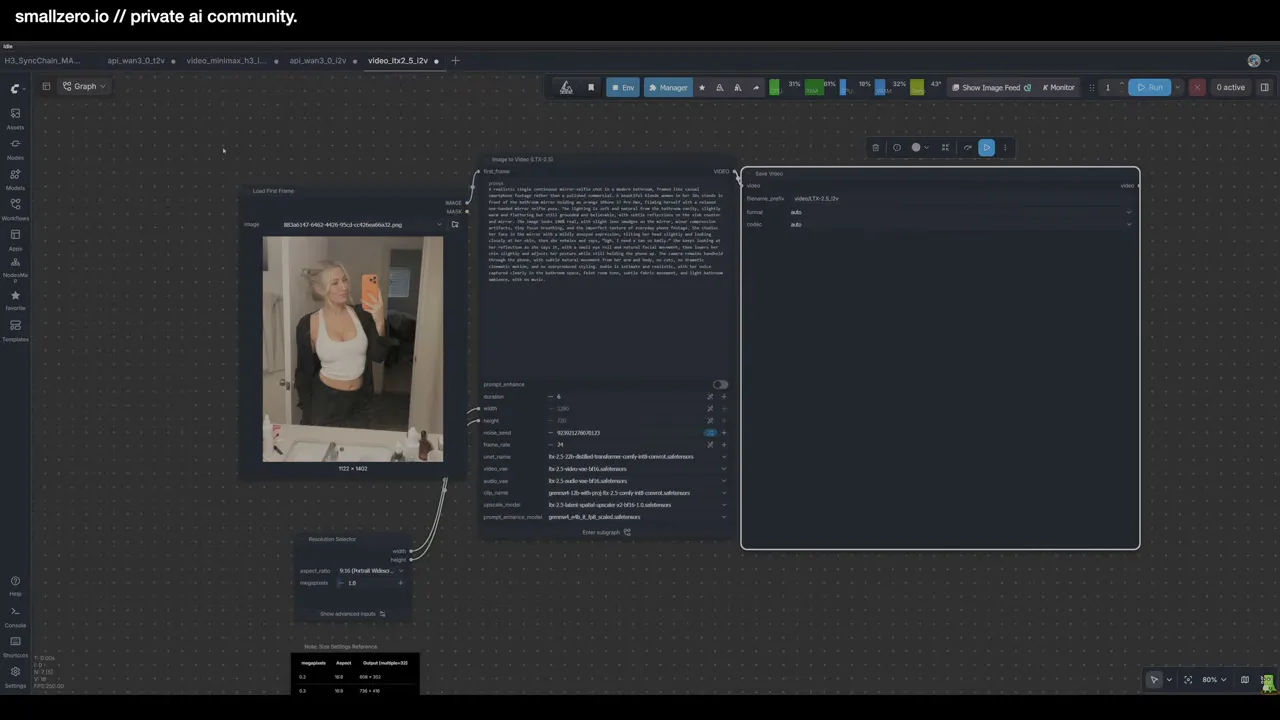
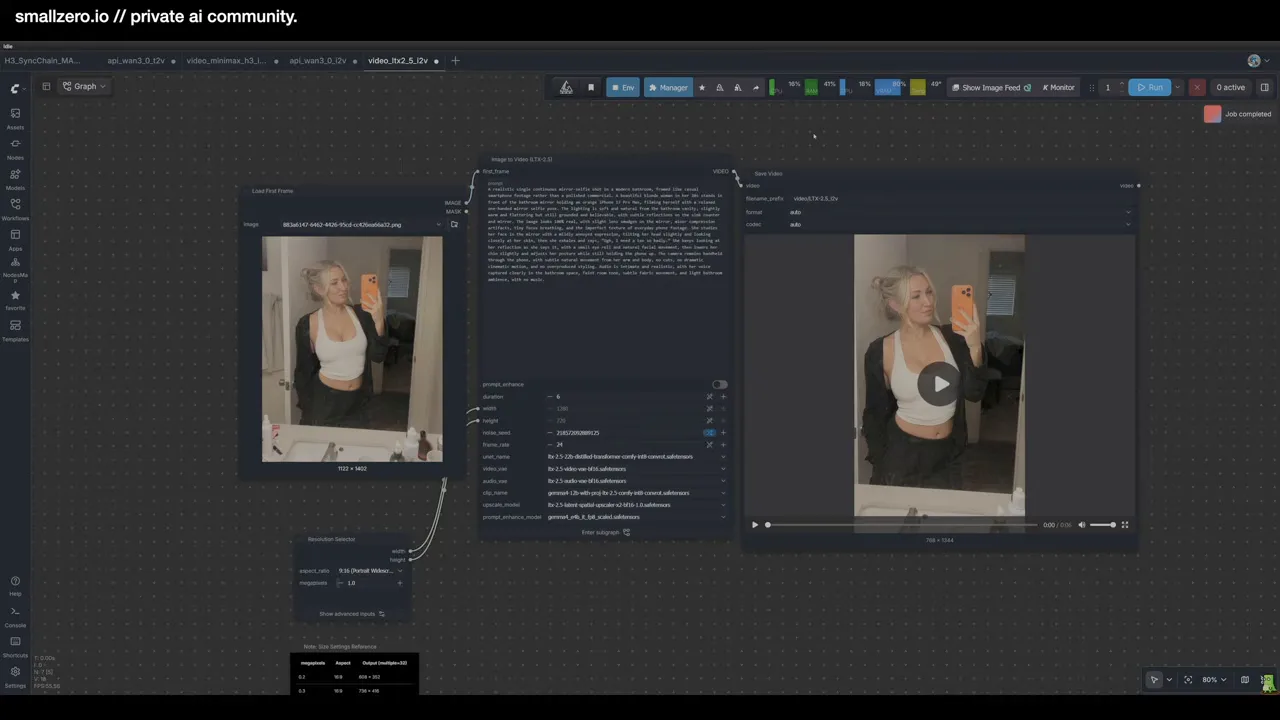
Settings: 5 seconds, 720p, a short line of audio. It took about a minute and a half on a 5090.
Run Sage Attention. Without it, nearly every video model is slow; with it, expect roughly 30–40% faster generations. (New to it? See the starter guide.)
03Upscale to 1440p
Open the studio and set it up:
- VRAM profile: choose the one that matches your card (32GB for a 5090; lower presets exist for smaller GPUs).
- Model: the smallest model was used here, to show how far even the light option goes.
- Output: 2K (1440p) — a straight double from 720p.
- Skin finishing: on, kept subtle. Turn it off if you don't want the app touching the look of your original.
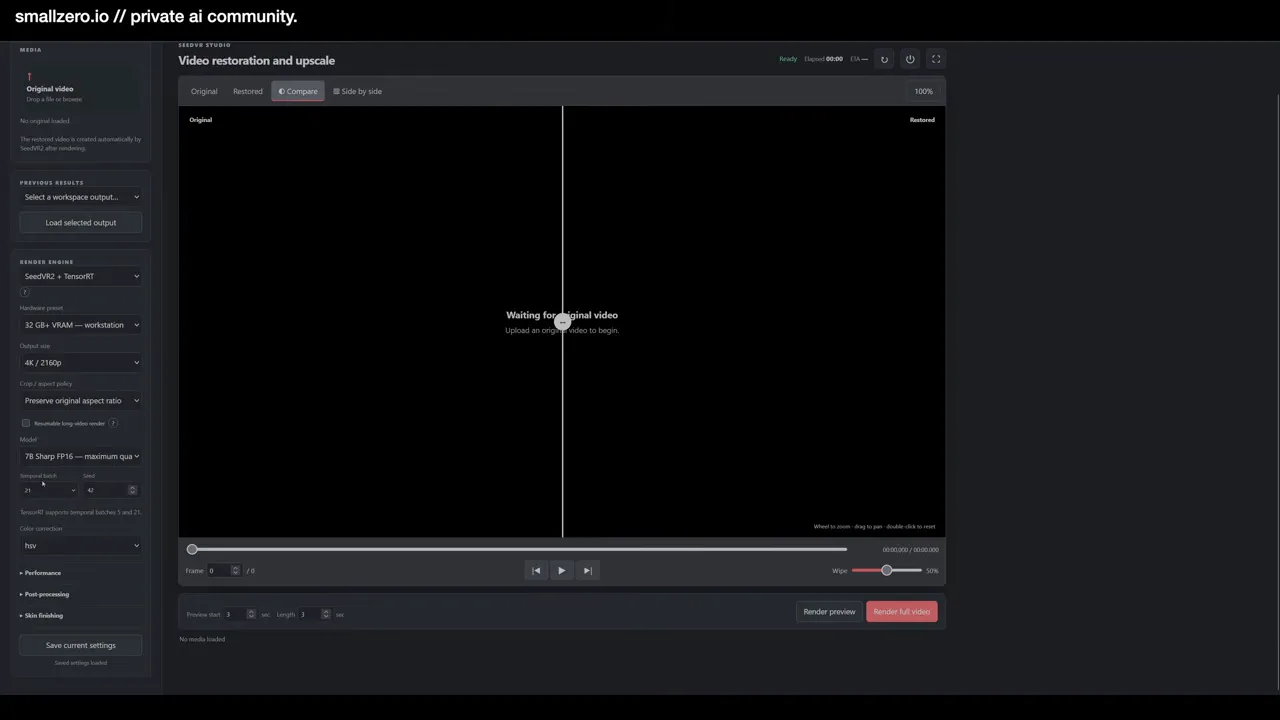
Load the video from your ComfyUI output folder and run. This 5-second clip took about 13 minutes on a 5090 — upscaling is the slow part, so only run it on keepers.
04Compare
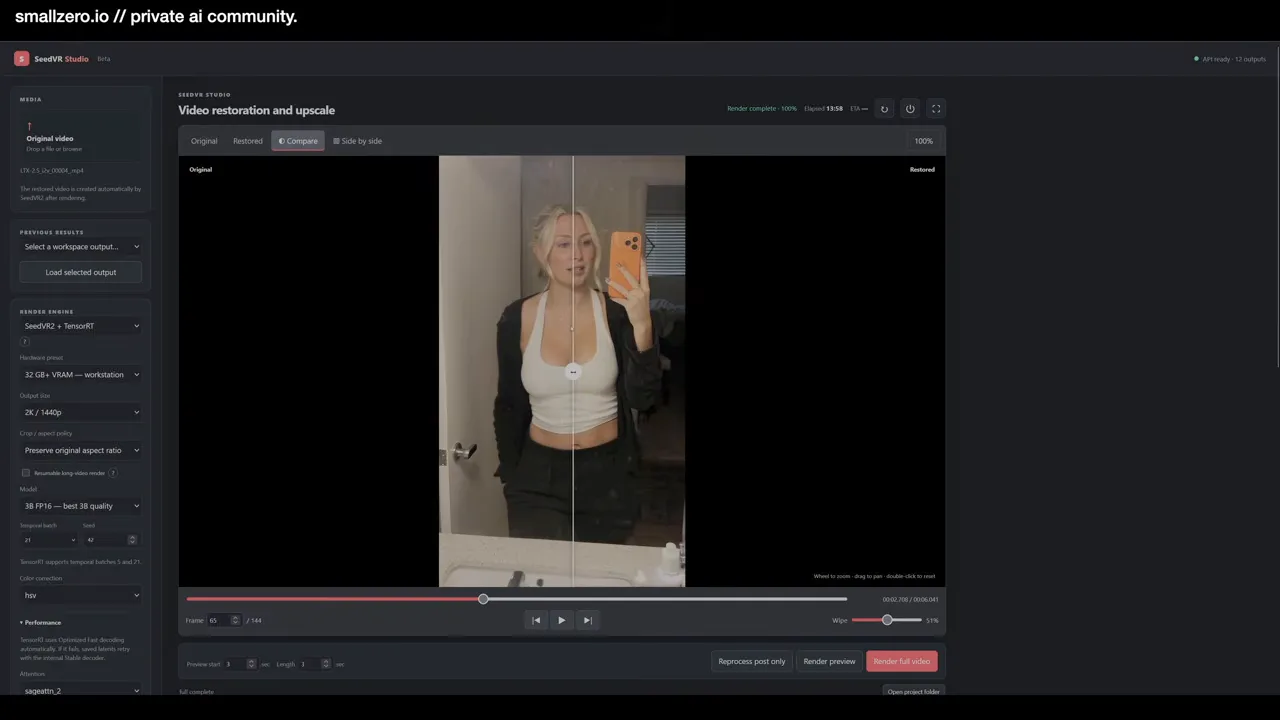
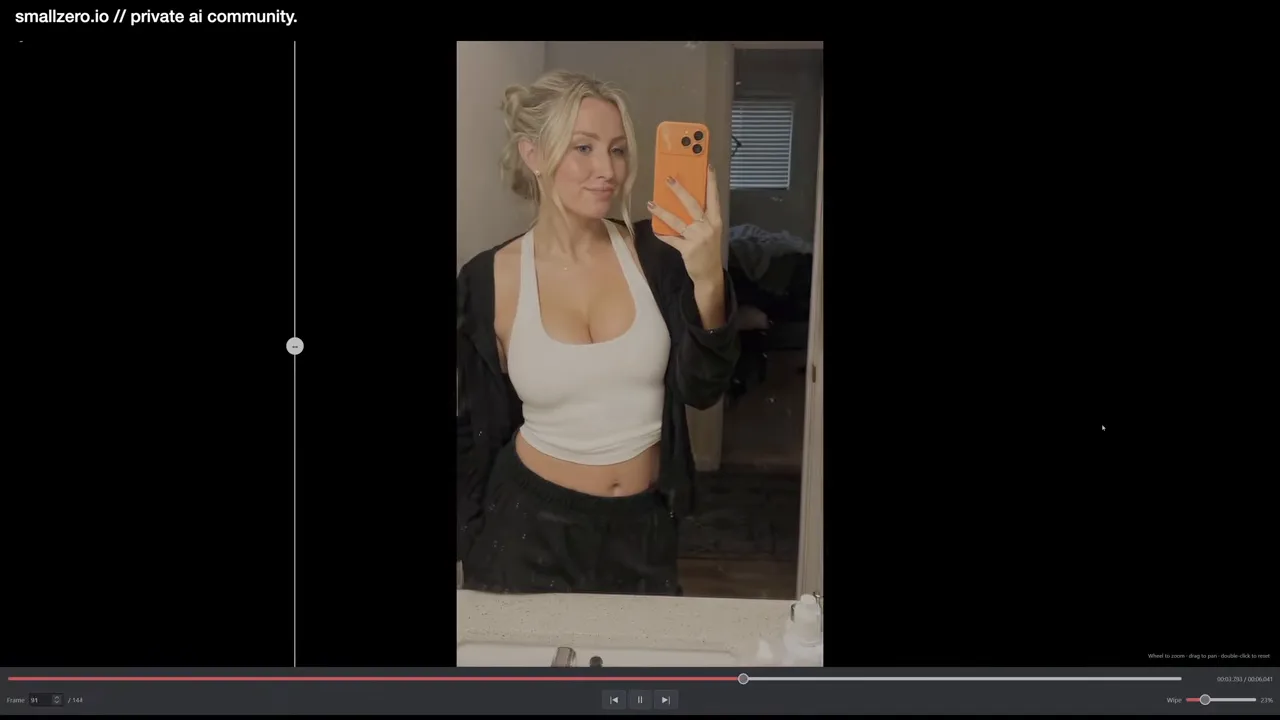
The upscale is clearly sharper and more detailed. It can't invent quality the source doesn't have — the base clip wasn't amazing, and the skin detailer showed a few dropped frames — but it does a lot with what it gets. And it should run on a 16GB card.
Why a standalone app helps
Because it runs outside ComfyUI, the upscaler can be scripted on its own — or handed to an AI agent as one step in an automated pipeline, like the ComfyUI MCP setup. The repo link is also pinned for members at smallzero.io, where people trade upscale settings.
$ ls ../related
$want the datasets, workflows and LoRAs behind posts like this?
they're shared inside the skool community. come join us.