Face swaps in MOSS Image, no LoRA required.
A community-built MOSS Image suite does two jobs in one workflow: steer a brand-new shot from a reference photo, or swap your character's face into an existing image. No dataset, no training, just two images and a prompt.
Consistent faces usually mean training a LoRA. For a one-off shot, that's a lot of work. This workflow, built by a community member and shared on GitHub as Vicii Influencer HyperRealism, gets you there with a single face image.
It runs on MOSS Image, the open model known for candid, un-plastic photos (new to it? start with the MOSS Image setup guide), using a custom MOSS Image Chromos INT8 checkpoint you can download from Hugging Face.
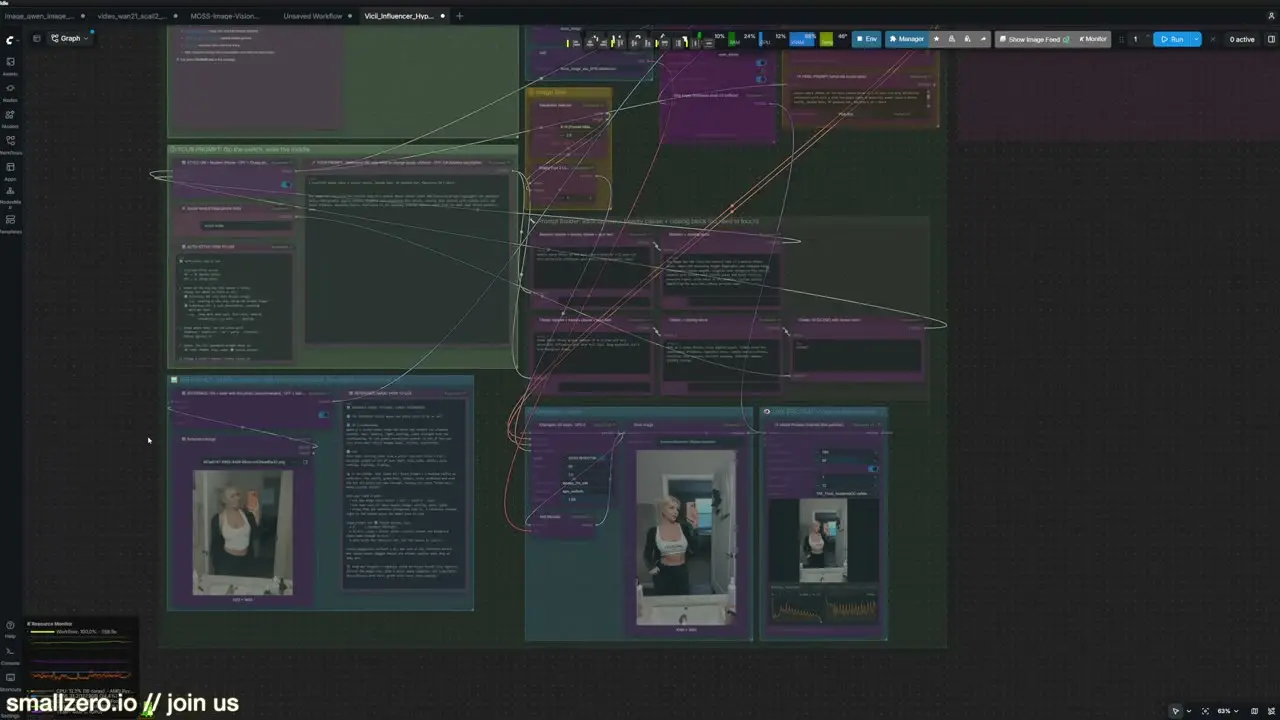
01Install it with an agent
The quickest setup is to point Claude Code at the GitHub repo and ask it to install the workflow, nodes and models into ComfyUI. Everything it uses is freely downloadable from Hugging Face and similar sites.
Expect the first run to be slow while ComfyUI loads and caches the checkpoint; RAM speed matters here. Later runs are much quicker.
02Mode one: steer a new shot from a reference
The first half of the workflow isn't a face swap. You upload a reference photo and it borrows the pose, composition and overall feel, while your prompt decides the person, outfit and scene.
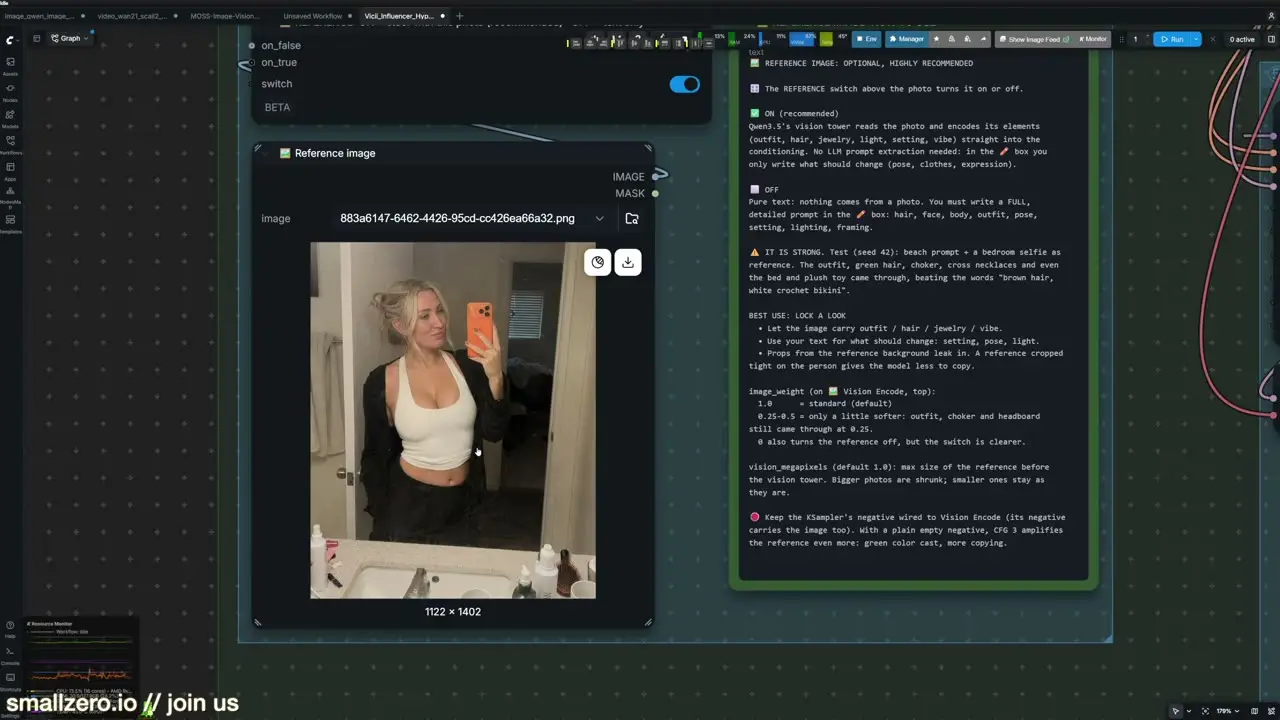
- Camera style: toggles for a modern iPhone look or a cheap iPhone look.
- Prompting guide: built into the workflow. Paste it into ChatGPT with your idea and let it write a prompt to spec.
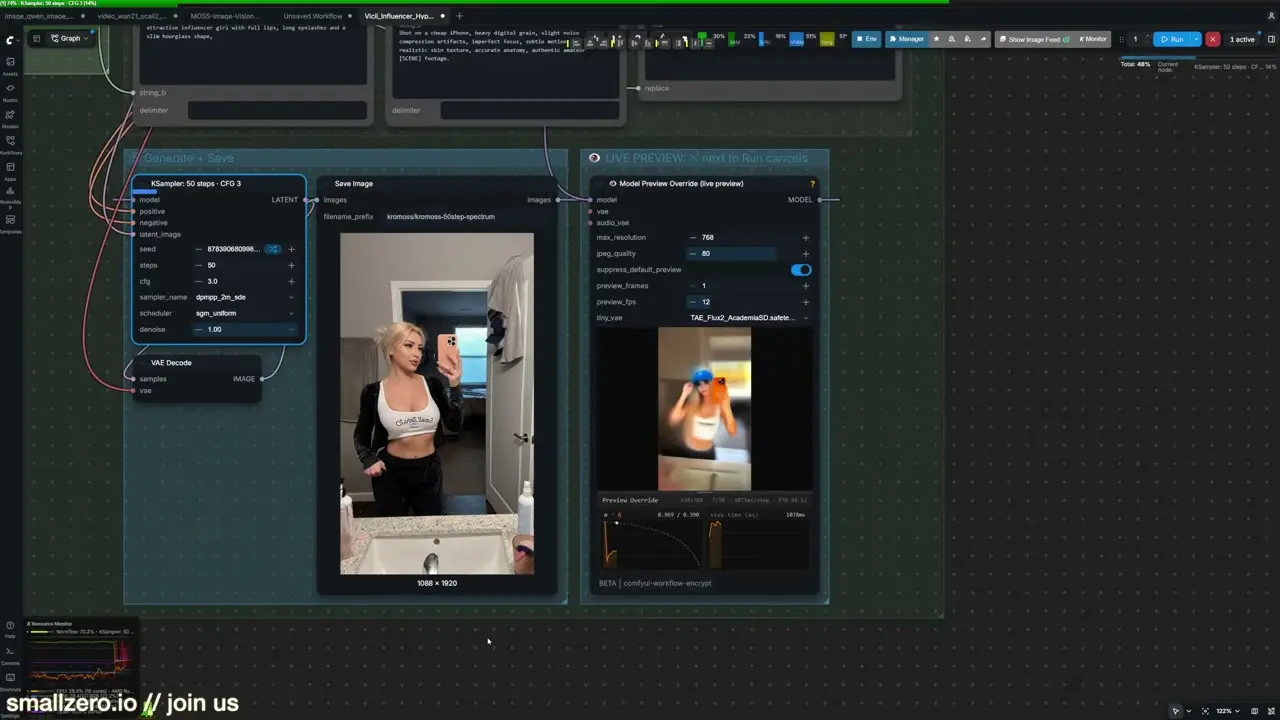
- Live preview: watch the image form while it samples.
- Steps: 50 was used here on a 5090; drop it on smaller cards.
The test prompt asked for an LA Dodgers cap and a smallzero shirt in a similar pose to the reference. It landed both, with a new face and a new room.
03Mode two: swap a face into a scene
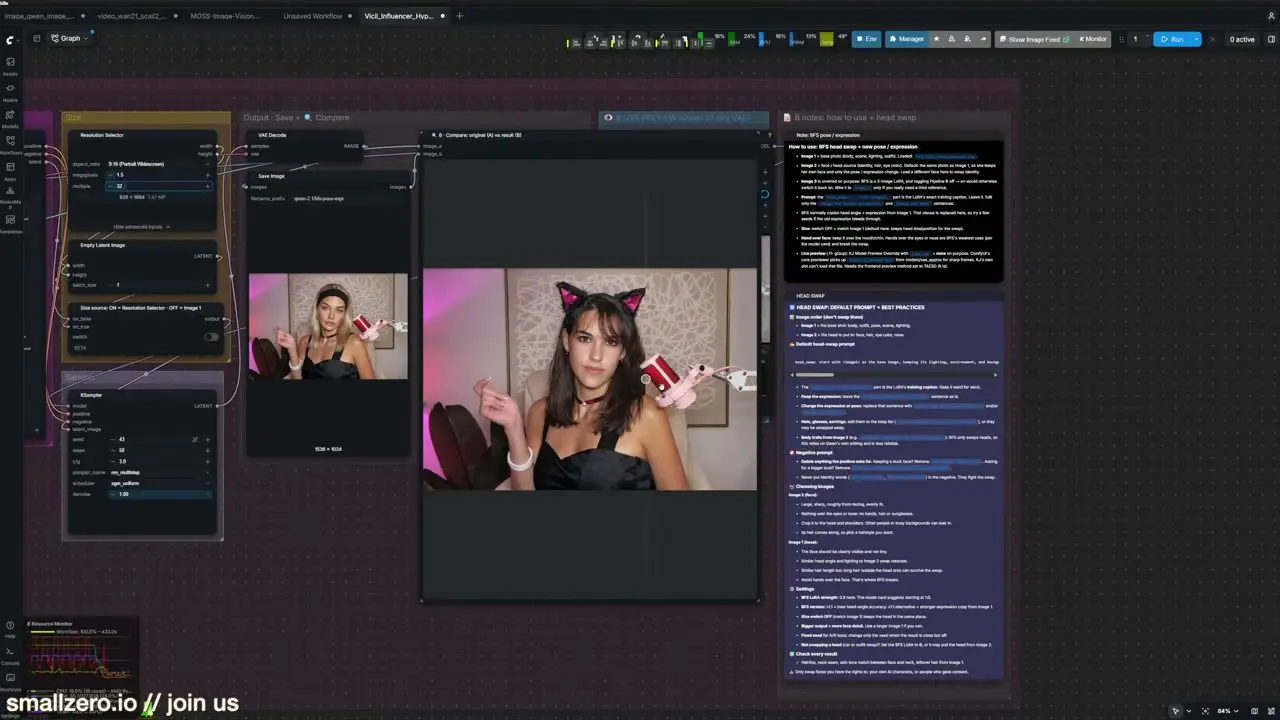
Toggle the reference group off and the face-swap group on. You give it two images: the scene you want to keep, and the face you want in it. Sage Attention is wired in, sampling is set to 50 steps at 1.5 megapixels, and a before-and-after node shows the result.
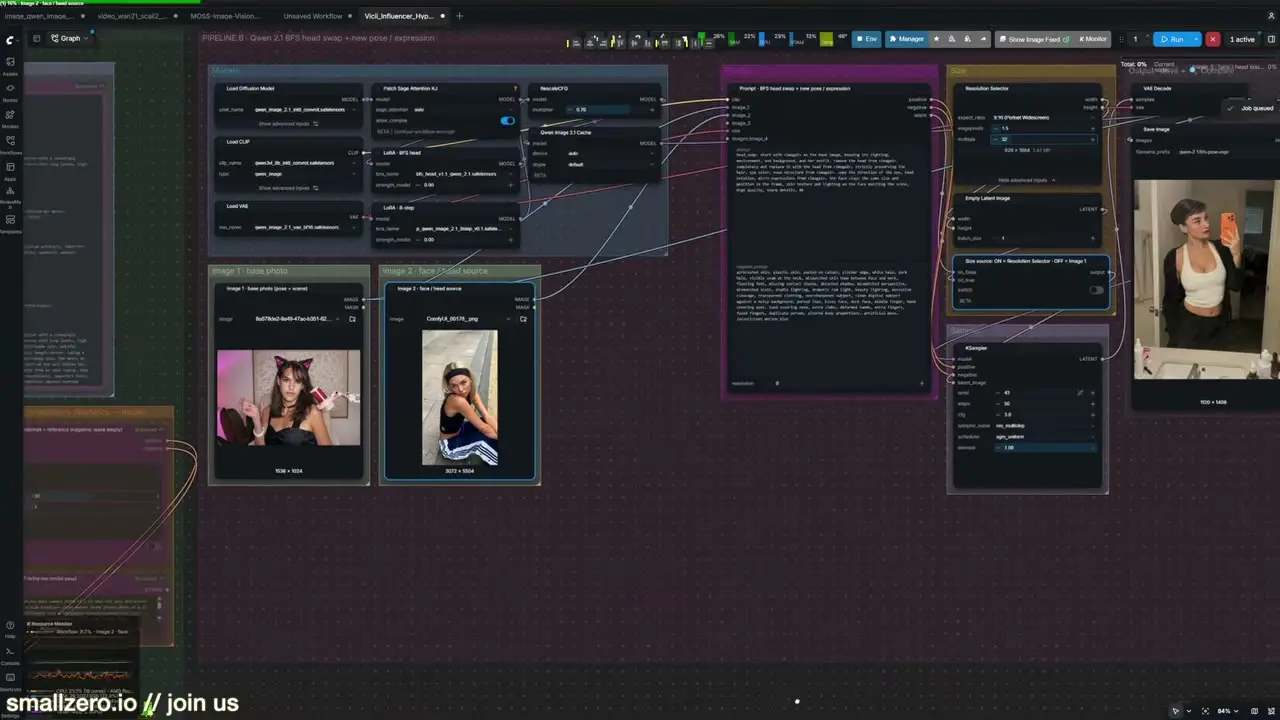
The scene was an existing AI influencer image at a microphone; the face came from a character generated in Z-Image a while back. On a 5090 it ran at about five seconds per iteration.
Face swap or LoRA?
For one-off shots, or to drop your character into a scene you already like, a face swap is far faster than training. If you're producing hundreds of images of the same character, a LoRA still gives you more control; the Z-Image LoRA guide covers that route.
This suite is one of several MOSS workflows members have built and shared at smallzero.io. Credit for this one goes to its creator, who's starting his own channel soon.
$ ls ../related
$want the datasets, workflows and LoRAs behind posts like this?
they're shared inside the skool community. come join us.